
Who's Online?
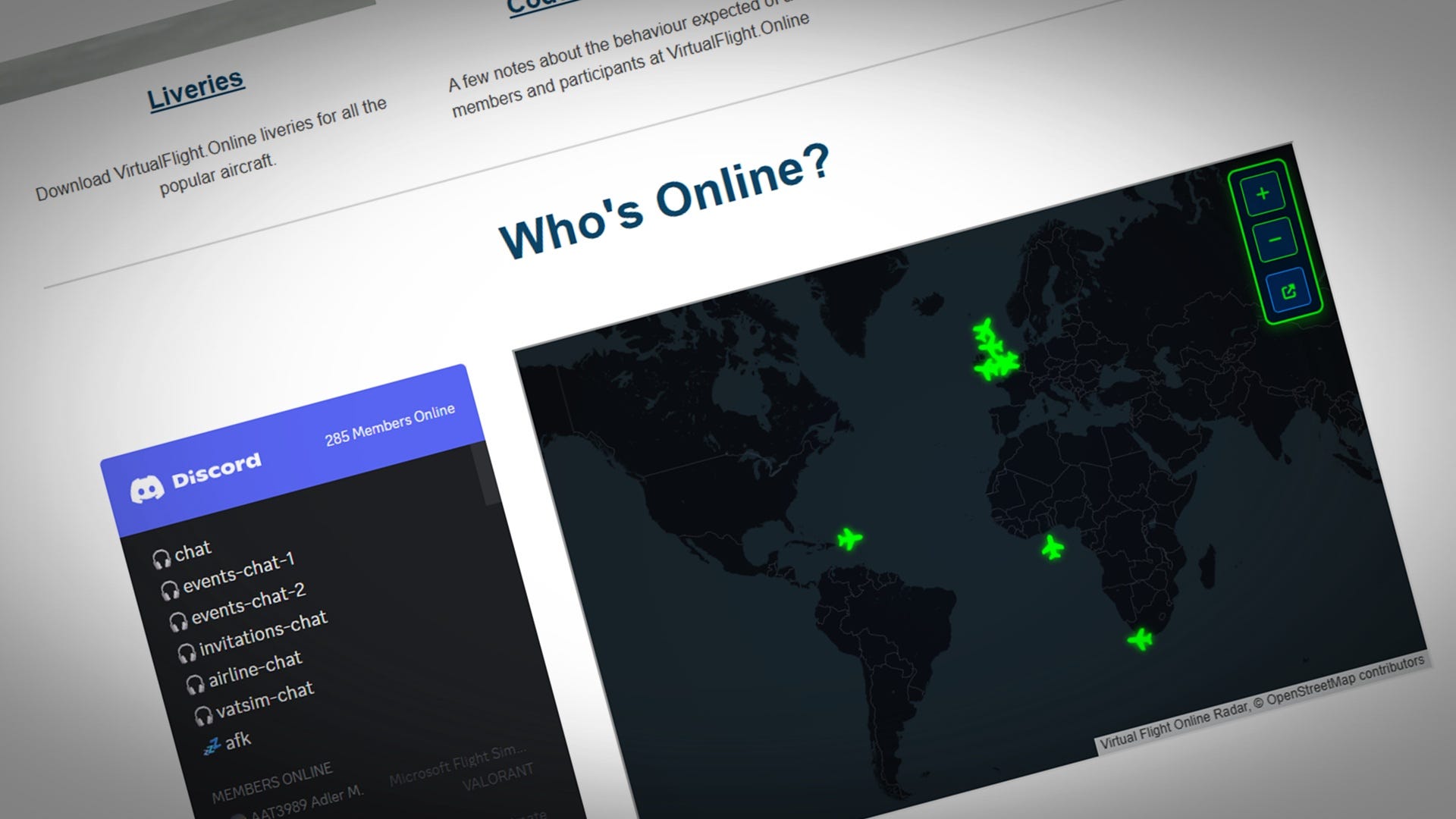
We have added a “Who’s Online?” section to the foot of the South West Flight Sim Group homepage - showing a list of who is in the Discord chat channels, and who is broadcasting their location with Transmitter.
To make yourself visible on the website, you must make sure your group name in Transmitter is “SWFSG” (case sensitive).
To make all of this possible, the radar display now has group filtering via the URL:
https://transmitter.virtualflight.online/radar?group=SWFSGTransmitter also has an embed now (with a simplified interface), that can be dropped into websites:
https://transmitter.virtualflight.online/embed?group=SWFSGInstalling Transmitter

If you’ve not installed Transmitter, it’s very straightforward - you can find out everything you’ll need to know here:
It has clients for both Flight Simulator and X-Plane. Remember to set the group name for the community you wish to be seen by :)
Now it’s your turn!

The utility of the new features is of course dependent on you.
The only way we will grow the community, form friendships, and introduce flight sim users to each other is if you make yourself available for others to find, and reach out to whoever might be online to introduce yourself.
Have fun with it - flying together is much more fun than flying alone. The next time you’re flying, head over to Discord and hang out in one of the voice-chat channels.
Visit the following page to find out all about Discord: